Last Updated on: March 25, 2024 by Stacey Manclark
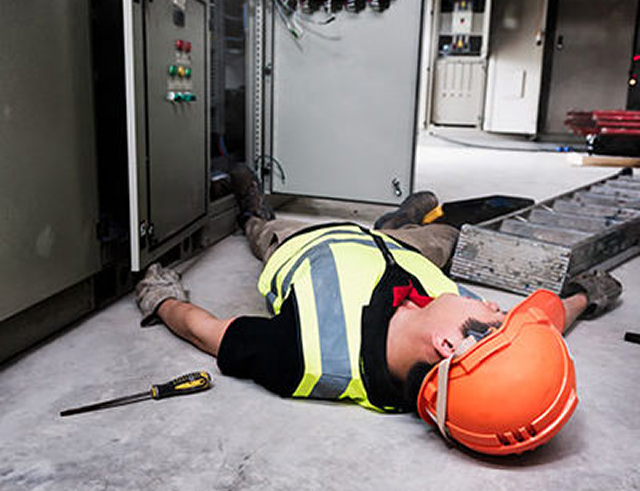
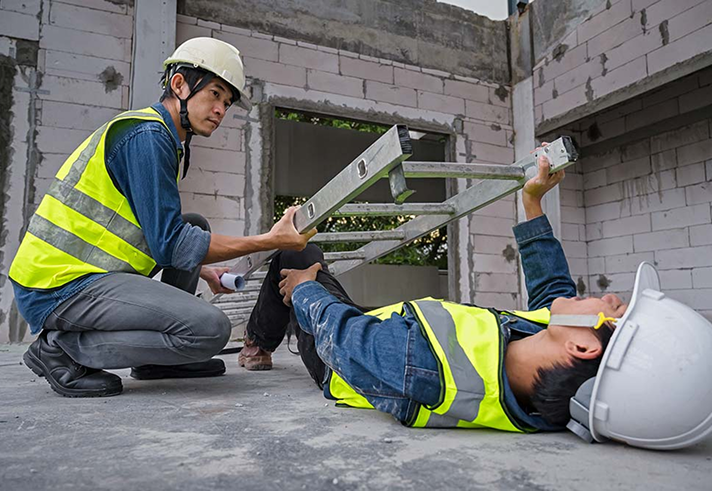
One of the most valuable tools a worker can have is a Check Call app. Using built-in smartphone technology, it automatically alerts a supervisor if a worker is in distress or becomes unresponsive. With this powerful feature in a single device, lone and remote workers gain the extra layer of protection they need to feel safe throughout their shift. In the event of a medical emergency, the Check Call app provides peace of mind by ensuring that help will be alerted—even if the worker can’t call for it themselves.
How do Check Call
Apps Work?
If the worker doesn’t respond to the alarm, a non-movement alert is triggered and sent to their supervisor, indicating a lack of activity. The supervisor can then attempt to contact the employee. If there’s still no response, they can view the worker’s location on the dashboard map and dispatch appropriate help or medical assistance to the exact location.
What are the benefits of a
Apps Work?
Emergency Medical Assistance
Automatically notifies emergency contacts if a worker is unconscious or unable to call for help, ensuring fast and accurate medical response.
Manual Emergency Alert Trigger
Enables workers to trigger an alert by placing their phone in a fixed position, signaling distress in the event of a fall or injury.
Violence Threat Detection
Allows workers to discreetly trigger an emergency alert by leaving their phone stationary, alerting responders to a potential threat without drawing attention.
Real Time Location Monitoring
Tracks the worker’s real-time location, enabling a quicker emergency response by accurately pinpointing their position when help is required.
Man Down vs
Worker Down
Man Down vs Worker Down
Only using the term ‘Man Down’ for the motion detection feature in an app no longer seems appropriate. The terms used in industry need to reflect those who are doing the work and at present the phrase ‘Man Down’ is ignoring over half the population.
Worker Down vs
Fall Detection
Worker Down vs Fall Detection
The Check Call app differs from fall detection apps, as it uses a smartphone’s accelerometer, which may struggle to distinguish between running and falling due to similar acceleration. This can lead to false alarms, as sudden impacts from falls or even placing the phone down can trigger alerts.
Check Call Apps for
iPhone and Android
Check Call Apps for iPhone and Android
The worker down safety feature is a popular solution to the problem of dealing with an emergency situation which is faced by every remote worker. This Check Call feature is compatible with both iPhone and Android devices, using their real-time movement detection capabilities and built-in sensors for effective monitoring or isolated or remote workers.